
How to Get and Use Google Translate
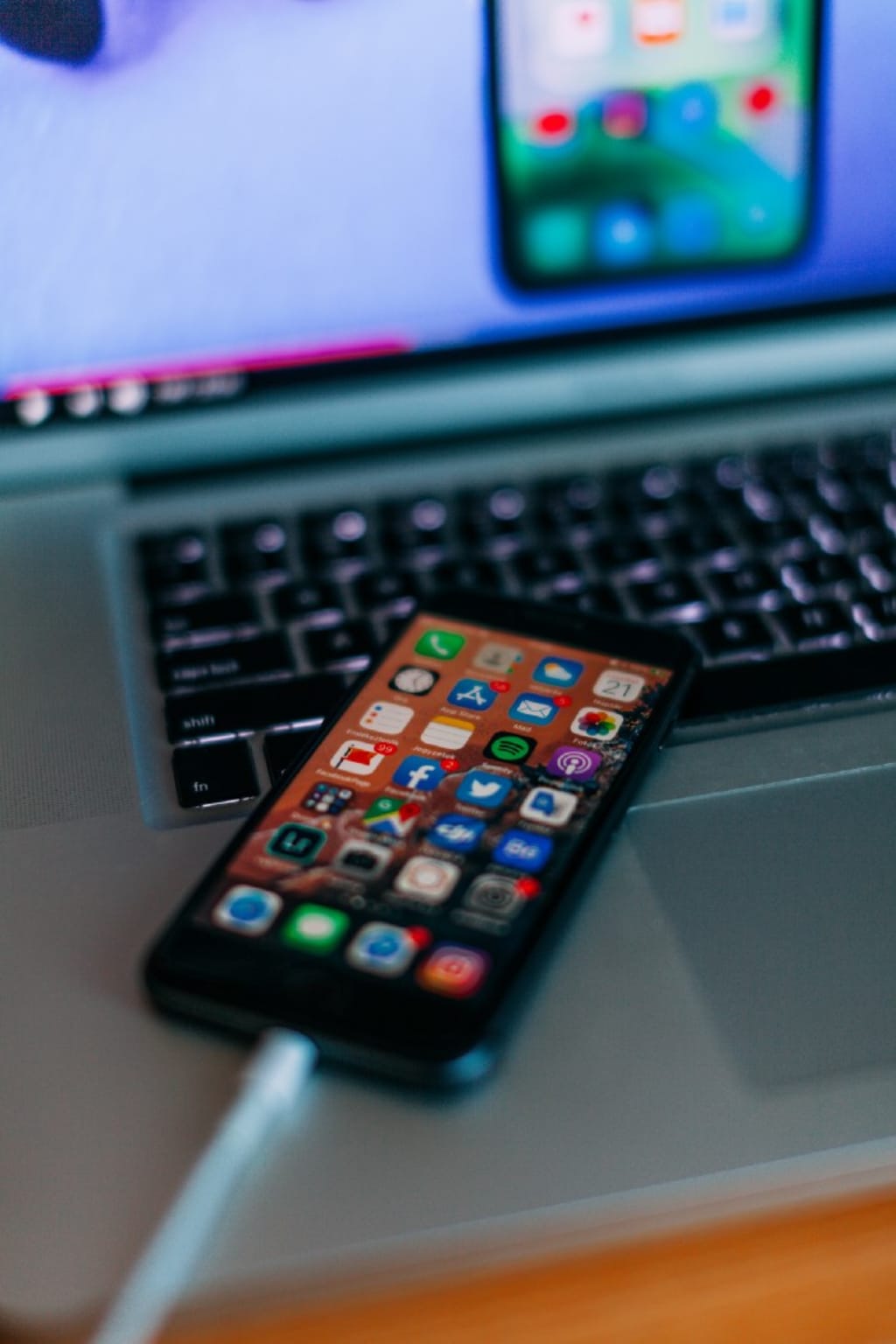
Google has an amazing language translation capability called Google Translate. You can download the app for free. Here’s how to get the app and use it.

What is Google Translate?
“Google Translate is a free multilingual machine translation service developed by Google, to translate text. It offers a website interface, a mobile app for Android and iOS, and an application programming interface that helps developers build browser extensions and software applications.”
Why You Should Use Google Translate
Using Google Translate opens a whole new world of reading experiences for you. While many of us read in English online, the other half of the world is using other highly popular languages to read online. By using Google Translate, we can read what they have written in their various languages (over 100!), and they can read what we’ve written in English. And the artificial intelligence (AI) used to do the translations makes the level of accuracy high. And, amazingly, you get this wonderful capability totally free.
Where To Get Google Translate
Step 1: Download the Google Translate app
To get started, download the Google Translate app for Android from the Google Playstore.
Note: To translate images with your camera in all supported languages, your device must have an auto-focus camera and a dual-core CPU with ARMv7. For technical details, check your manufacturer’s instructions.
Step 2: Set up Google Translate
The first time you open Google Translate, you’ll be asked to choose your primary language and the language you translate most often. To pick from available languages, tap the Down arrow
To download both languages for offline use, leave “Translate offline” checked. If either language isn’t available for download, it will say “Not available offline.”
Note: To download a language, by default, you must be connected to a Wi-Fi network.
Use Google Translate on the web
To use Google Translate on the web, go to Google Translate.
Note: iPhone and iPad users can download Google Translate from Apple’s App Store.
What about translating speech?
You can easily translate speech from one language to another. For example, smartphones generally have a small microphone symbol near the text box. Just tap the microphone and say, “Hey, Google, translate [word or sentence] into [language].” And, voila! there’s your translation. It works great. My Japanese wife uses it all the time, and so do I.
Live Translate Feature
The live translate feature is also extremely useful if you’re traveling in a foreign country and you don’t speak the native language. The live translation capability comes in very handy when you’re trying to communicate with the locals.
Google is constantly innovating and improving Google Translate, so it just keeps getting better and better. You should download the app and give it a try. Google Translate is not perfect (yet) but I’m sure you’ll like it and find it very useful.
NOTE:
“Translation is the communication of the meaning of a source-language text by means of an equivalent target-language text. The English language draws a terminological distinction (which does not exist in every language) between translating (a written text) and interpreting (oral or signed communication between users of different languages); under this distinction, translation can begin only after the appearance of writing within a language community.
A translator always risks inadvertently introducing source-language words, grammar, or syntax into the target-language rendering. On the other hand, such “spill-overs” have sometimes imported useful source-language calques and loanwords that have enriched target languages. Translators, including early translators of sacred texts, have helped shape the very languages into which they have translated.
Because of the laboriousness of the translation process, since the 1940s efforts have been made, with varying degrees of success, to automate translation or to mechanically aid the human translator. More recently, the rise of the Internet has fostered a world-wide market for translation services and has facilitated “language localization.”
__________________
Thanks for reading. Copyright Terry Mansfield. All rights reserved.
About the Creator
Terry Mansfield
Trying to be the best writer I can be. Specialist in eclecticism.
Keep reading
More stories from Terry Mansfield and writers in 01 and other communities.
The Tradeoffs Charlotte Teams Face During Mobile App Development
I used to believe good planning could eliminate tradeoffs. If we scoped carefully enough, aligned stakeholders early, and chose the right partners, we could move fast and build well. Charlotte felt like the right environment for that optimism—practical, disciplined, not driven by hype.
By Samantha Blake6 days ago in 01
A Letter to the Firestarter
Dear Firestarter, We can all see you, we've been watching you since you began. In case you didn't know we were here before you and we will be here after. We witnessed your rise, your setbacks, your guilt and your lies. We witnessed you start the fire.
By Donny Foley5 days ago in Poets




Comments
There are no comments for this story
Be the first to respond and start the conversation.