
The Silent Guardian: How Background Location Tracking Works Without Draining Your Battery
Ever wonder how family location apps work without killing your phone's battery? We explain the smart tech behind background tracking and how to optimize your settings.

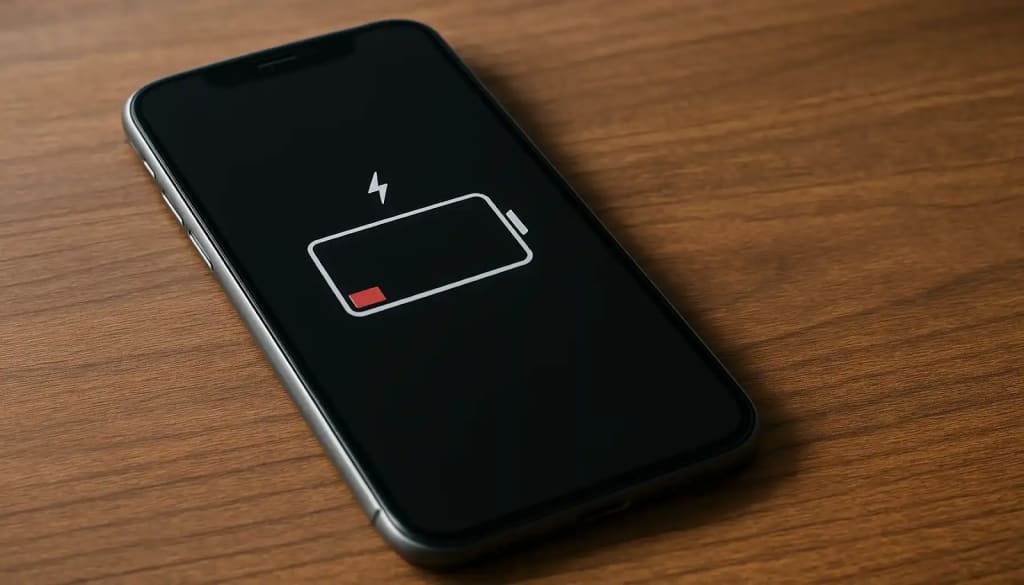
We’ve all been there. You’re using a family location app for peace of mind, but by midday, your phone’s battery icon is glaring red. It feels like a trade-off: either know your loved ones are safe, or have a phone that actually lasts.
Let’s pull back the curtain on your phone’s silent guardian. You’ll learn how it works in the background, why some apps are better neighbors than others, and how to set things up so you get the updates you need without constantly hunting for a charger.
It’s Not Just GPS: The Orchestra of Location Services
Your phone uses a symphony of signals to find its place in the world. Relying only on GPS is like asking a single musician to play a whole symphony—it’s exhausting and inefficient.
- GPS: The lead violin. Pinpoint accurate under a clear sky, but power-hungry and useless indoors.
- Wi-Fi Positioning: The rhythm section. Your phone senses nearby Wi-Fi network names. Even without connecting, it can compare these to a massive database to get a solid location fix, using far less power than GPS.
- Cell Tower Triangulation: The background choir. By measuring the signal strength from several cell towers, your phone can approximate its location within a few hundred meters, which is often "good enough" for background checks.
- Bluetooth Beacons & Crowdsourced Location: The special guests. In places like malls or airports, Bluetooth signals can help. Services like Apple’s Find My network even use other people’s Apple devices to securely relay a lost item’s location, all in a battery-friendly way.
A well-designed app conducts this orchestra. Instead of turning on every instrument at full volume all the time, it intelligently chooses the least draining method that gets the job done.
App Design Matters: Why Some Are Better Neighbors
Not all tracking services are engineered equally. The design philosophy directly impacts your battery.
- Built-in OS Services (Apple Find My, Google Find My Device): These are incredibly efficient because they are baked into the phone’s operating system. They have privileged, optimized access to hardware and can batch location data with other system processes.
- Focused, Modern Safety Apps: Number Tracker built with modern, battery-conscious APIs. They are designed to do one thing well—provide location awareness—without running unnecessary background processes.
Your Action Plan for Optimal Battery & Awareness
You have direct control. A few simple settings changes can make a world of difference.
- Audit App Permissions: Go to your phone’s Settings > Location Services. See which apps have "Always" access. Does a weather app really need your location 24/7? Change non-essential apps to "While Using."
- Optimize Your Safety App's Settings:
- Use Geofences! Set them for home, school, and work. This is your first and best strategy.
- Lower the Update Frequency. If you don’t need a live-updating map, set the app to update location every 5-15 minutes.
- Enable Battery Saver Mode within the app if it has one.
- Manage Your OS Battery Settings (Carefully):
- On both iOS and Android, you can see which apps use the most battery. A good safety app shouldn’t be in the top three.
- Warning: Be cautious with aggressive "Force Stop" or "Restrict Background Activity" settings for your primary safety app. This can break geofencing and prevent alerts. Instead of restricting it, choose an app designed to be efficient in the first place.
Conclusion: Smart Tracking for a Long-Lasting Day
The myth that location tracking must annihilate your battery is just that—a myth. Today’s technology uses a blend of smart signals, contextual awareness, and clever features like geofencing to provide safety without sacrifice.
By understanding how these systems work and choosing thoughtfully designed tools, you can enjoy the peace of mind that comes from connection, without the anxiety of a dying battery. It’s time for your phone’s silent guardian to work smarter, not harder.
About the Creator
Olivia Martinez
Lead Product Manager, Author at Number Tracker
https://numbertracker360.com
Keep reading
More stories from Olivia Martinez and writers in 01 and other communities.
The Invisible Guardian: Using a Tracker for Discreet Elderly Care
Watching a parent or loved one age brings a complex mix of love and worry. You want them to maintain their independence and dignity, but you also lose sleep thinking about a fall, a moment of confusion, or a missed medication. The question isn't just about safety—it's about how to provide a safety net that doesn't feel like a cage.
By Olivia Martinez11 days ago in 01
How Enterprises Are Using AI to Fix Content Management in 2026
I reckon if you are still manually tagging your digital assets in 2026, you are basically trying to empty the ocean with a spoon. It is proper chaotic. Most firms have finally realized that humans are hella slow at sorting through terabytes of data.
By Sherry Walker5 days ago in 01




Comments
There are no comments for this story
Be the first to respond and start the conversation.